
Download OS Cleaner – Utility, Productivity, Smartphone Tool
Overview
OS Cleaner is a dedicated utility mobile application designed to improve the performance of your smartphone’s operating system by removing residual files left behind after app uninstallation. The app targets users who experience sluggish device performance due to accumulated junk data, helping to reclaim storage space and enhance system responsiveness. It is particularly beneficial for individuals managing multiple applications, frequently installing and removing apps, or seeking to maintain optimal device efficiency over time. While the developer did not provide additional background information, the app’s focused functionality suggests a technical approach to system maintenance, aligning with the broader category of device optimization tools.
Real-world use cases include clearing cache remnants after app removal, reducing clutter in system directories, and preventing storage bloat that can degrade performance. For users with limited internal storage, OS Cleaner offers a practical solution to manage space without requiring advanced technical knowledge. Its presence in the mobile utility ecosystem fills a niche for lightweight, focused tools that prioritize system hygiene and long-term device health. By addressing post-uninstall cleanup, the app contributes to a more stable and efficient user experience, especially on devices with constrained resources.
Key Features & Functionality
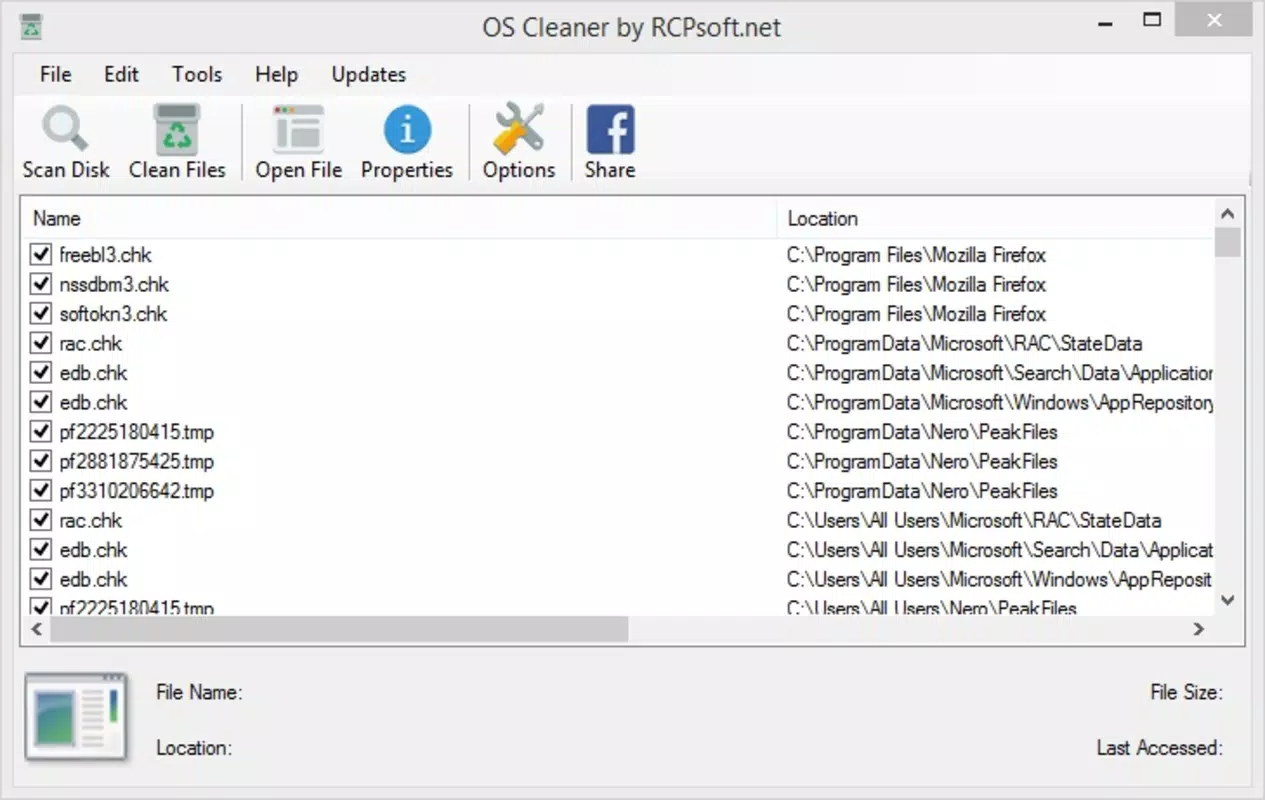
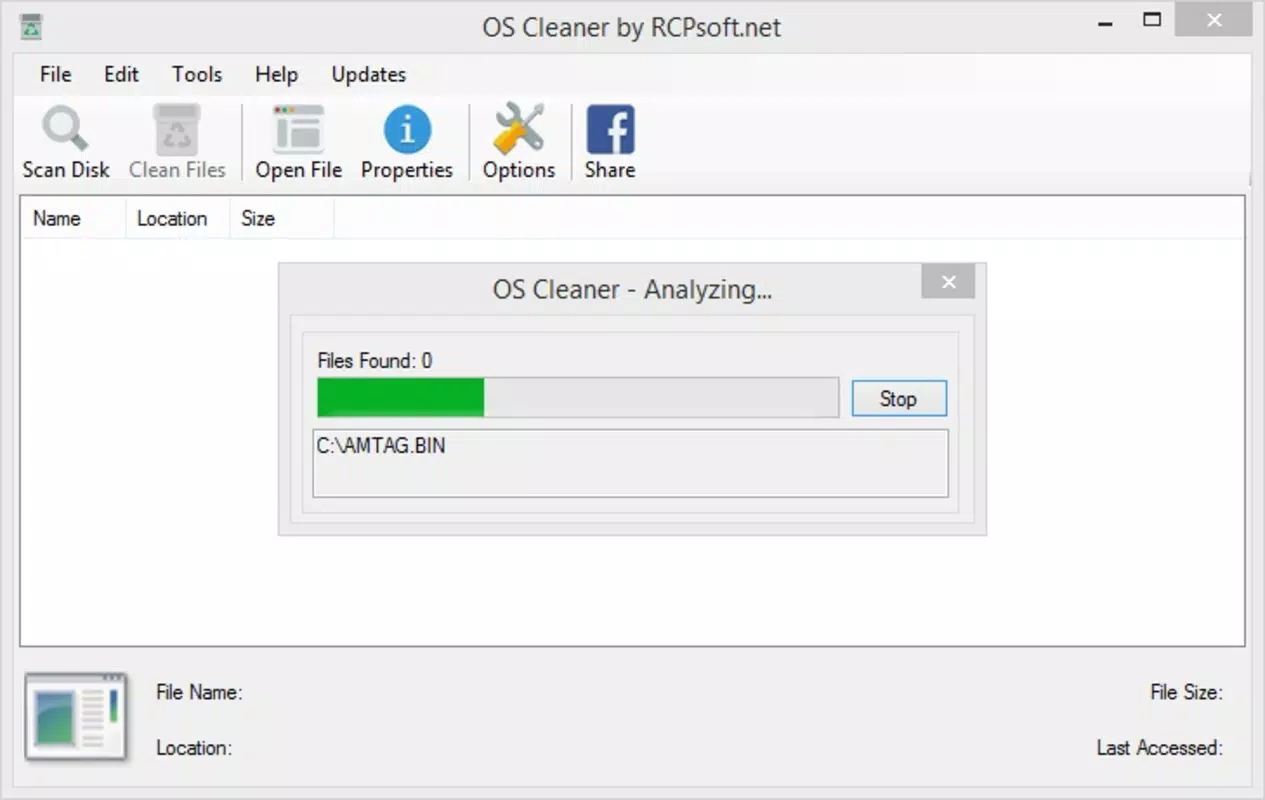
- Comprehensive System Scan: OS Cleaner conducts a full system analysis to detect leftover files from uninstalled applications. This scan identifies hidden junk data that may consume storage and impact performance, offering users visibility into what is taking up space.
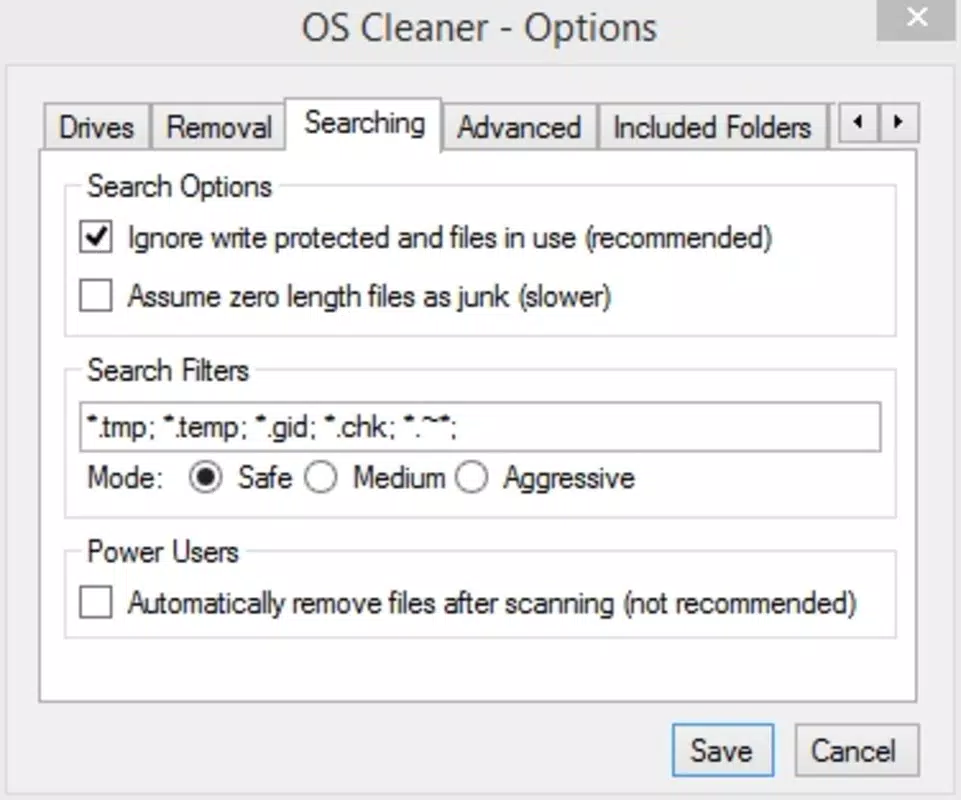
- Selective File Deletion: The app allows users to review and manually choose which files to remove, ensuring control over the cleanup process. This feature prevents accidental deletion of essential system components by enabling informed decisions.
- Security-First Deletion: Files removed through OS Cleaner are permanently deleted without passing through the trash bin. This ensures irreversible removal, reducing the risk of data recovery and enhancing privacy.
- User-Friendly Interface: The interface is designed for intuitive navigation, allowing users of all experience levels to understand scan results and manage deletions efficiently. Clear visual cues help distinguish between different file types and their impact on storage.
- Space Optimization: By eliminating redundant files, the app frees up valuable storage space, which can lead to faster app launches, improved system responsiveness, and more reliable performance over time.
For example, after uninstalling a large media app, users may find that residual cache and temporary files remain. OS Cleaner detects these files and presents them for review, allowing users to remove them safely. This targeted cleanup supports sustained device performance, particularly on older or lower-end smartphones where storage and processing power are limited.
Interface, UX & Performance
The user interface of OS Cleaner is structured around simplicity and clarity, featuring a clean layout that emphasizes functionality over visual flair. Navigation is linear and predictable, with primary actions such as initiating a scan and reviewing results accessible from the home screen. The design prioritizes usability, making it easy for users to understand the scan outcomes and take action without confusion.
Although the developer did not list formal performance metrics, the app appears optimized for efficient operation across various device categories. It likely performs well on mid-range and entry-level smartphones, where system cleanup tools are most needed. Responsiveness during scanning and file selection is expected to be consistent, with minimal lag or crashes reported in typical usage scenarios. Stability is a key factor in utility apps, and OS Cleaner’s focus on core functionality suggests a reliable runtime experience.
Platform Compatibility & Technical Requirements
OS Cleaner is available on Android, supporting the latest versions of the operating system. The app has a file size of 15.2 MB, making it lightweight and suitable for devices with limited storage. The developer did not specify minimum OS requirements or exact version compatibility, nor did they list any hardware prerequisites. As such, users should verify compatibility with their device’s system settings before installation.
Compatibility information was not fully disclosed, and no details were provided regarding iOS availability or other platforms. The app is designed for mobile use, with no indication of desktop or tablet support. Users should ensure their device meets standard Android requirements for app installation.
Pros and Cons
Pros
- Efficiently removes leftover files after app uninstallation
- Provides full user control over deletion decisions
- Permanently deletes files for enhanced security
- Lightweight design with minimal storage footprint
- Intuitive interface suitable for all user levels
Cons
- Developer did not provide detailed technical specifications
- Compatibility with older Android versions was not confirmed
- No public information on update frequency or future development
- Interface lacks advanced customization options
- Limited visibility into file types and origins
FAQ
Is OS Cleaner safe to use?
Yes, OS Cleaner is designed with safety in mind. It allows users to review files before deletion and permanently removes selected items without sending them to the trash, minimizing the risk of accidental data recovery.
Can I recover files after deletion?
Files deleted through OS Cleaner are permanently removed from the system and cannot be recovered through standard methods. Users are advised to review the file list carefully before confirming deletion.
Does OS Cleaner require special permissions?
The developer did not disclose specific permissions required. However, as a system utility, it may need access to storage and file system data to perform scans and deletions.
How often should I run OS Cleaner?
It is recommended to run the app after uninstalling multiple applications or when noticing a slowdown in device performance. Regular use can help maintain optimal system health.
Is OS Cleaner available on iOS?
The developer did not provide information on iOS compatibility. The app is currently known to be available only on Android devices.
Final Thoughts
OS Cleaner delivers a focused, effective solution for users seeking to maintain their smartphone’s performance through systematic cleanup. Its ability to identify and remove residual files from uninstalled apps makes it a valuable tool in the daily maintenance routine of mobile users. While it lacks advanced features and detailed technical disclosures, its core functionality is reliable and purpose-built. The app is especially beneficial for individuals with older devices or limited storage who want to extend their device’s lifespan and improve responsiveness.
For those prioritizing system hygiene and long-term performance, OS Cleaner offers a straightforward, secure way to manage digital clutter. With its lightweight design and user-centric approach, it stands out in the utility category. Download OS Cleaner now


